How Does It Work?
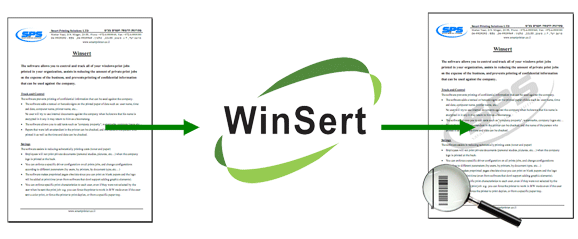
The software watches the desired printer in the Print Server.
When a job is sent to the printer, Winsert "Catches" it and implements the desired changes.
Winsert can also add permanent graphics or watermarks to all or only some of the documents that are printed, according to the configured preferences. In addition, Winsert can add information, such as the user and printer of the job, the time and date the job was printed, etc.
In addition, some of the configurable features include user and printer definitions, for example that a certain user cannot print in color - their work will be printed in B&W regardless of how they sent the job to the printer, or that a certain printer can only print in duplex.